

Unlock Full Potential
Experience the power of cloud computing with enhanced features designed for your security.
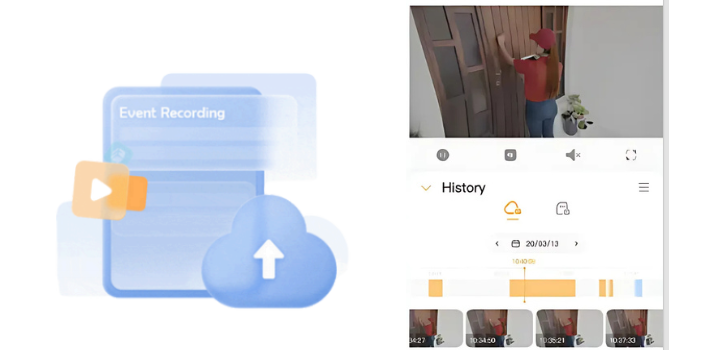
Cloud Storage
Store your video recordings securely in the cloud for up to 30 days, so you can review important moments anytime, even if your device is lost, damaged, or stolen.
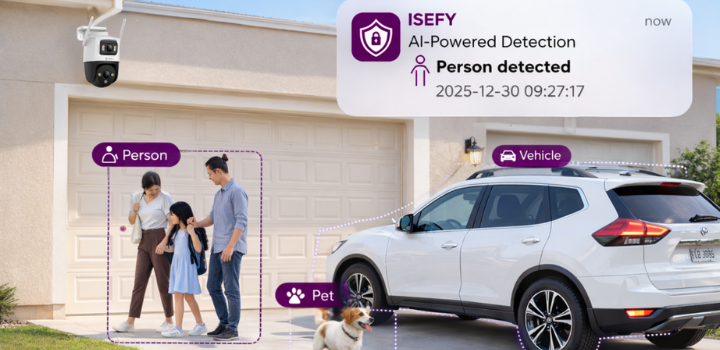
Enhanced AI Detection
Advanced AI algorithms analyze your video feeds to detect humans, vehicles, pets, and packages, reducing false alarms and providing smarter insights.
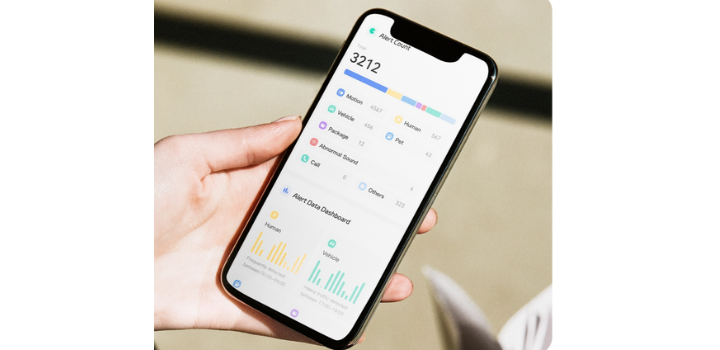
Security Report
Get a clear overview of your home activity with regular security reports, helping you understand what’s happening around your property.

Device Health Guard
Stay informed about your device status with automatic checks and alerts, so your security system is always running smoothly.

Download SD Card Recordings Remotely
Access and download recordings from your device’s SD card directly through the app, without needing to remove the card or be at home.
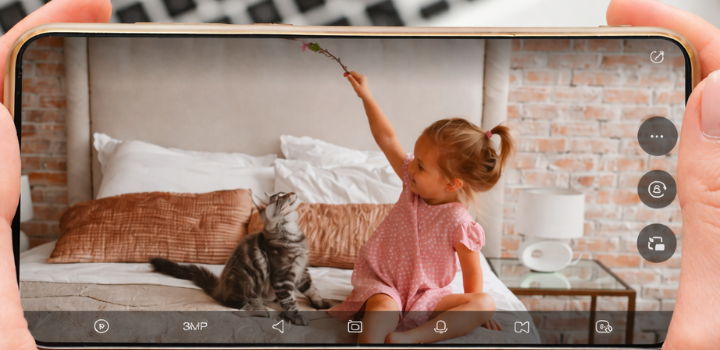
Share Device to More Users
Expand device sharing to more users, making it easier for family members to stay connected and help monitor your home.
Choose Your Plan
Flexible options tailored to your security needs.
Basic
In-app purchase only
Plus
In-app purchase only
How to Subscribe
Get started with ISEFY Cloud in 3 simple steps.
Launch the ISEFY App on your smartphone.
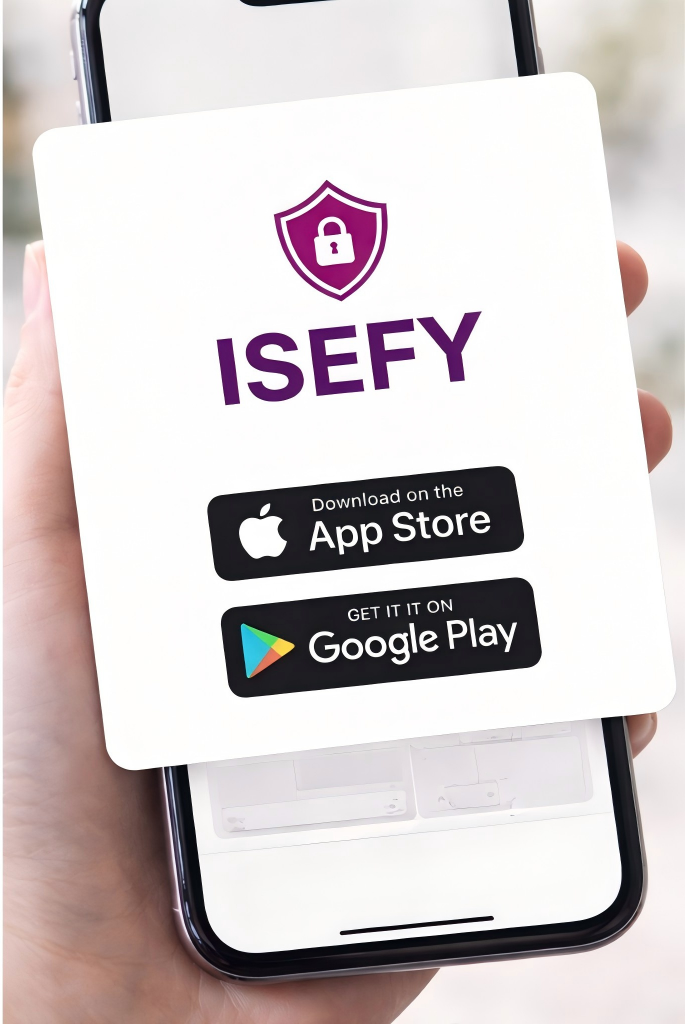
Open App
Launch the ISEFY App on your smartphone.
Tap on your profile icon to access account settings.
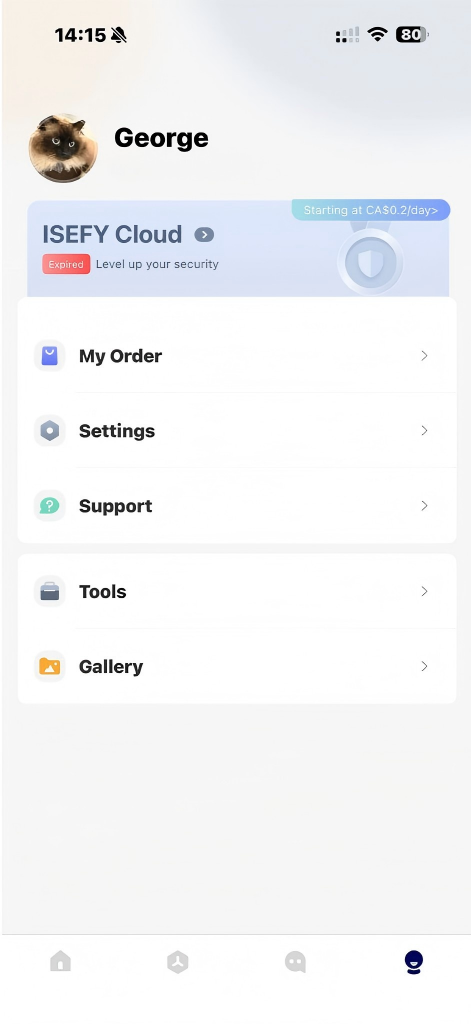
Go to Profile
Tap on your profile icon to access account settings.
Choose the Cloud section to view and subscribe to plans.
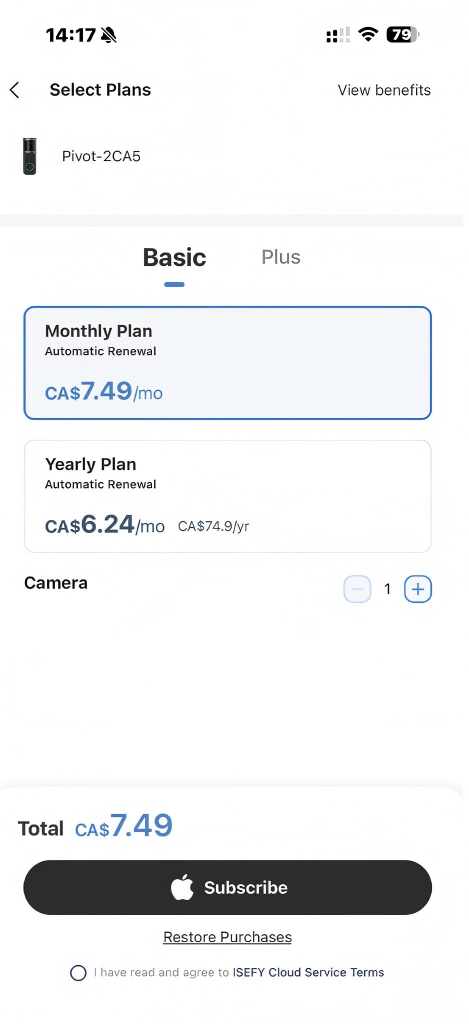
Select Cloud
Choose the Cloud section to view and subscribe to plans.